
Processed on your device
Capturing, stitching, editing, redaction, OCR and PDF export all happen locally in your browser.
FullGrab captures any webpage, then lets you annotate, redact, extract text or tables, create PDFs and send content to AI—without jumping between five different tools.
Capture
No setup, no account — pick how you want to grab the page and click once.
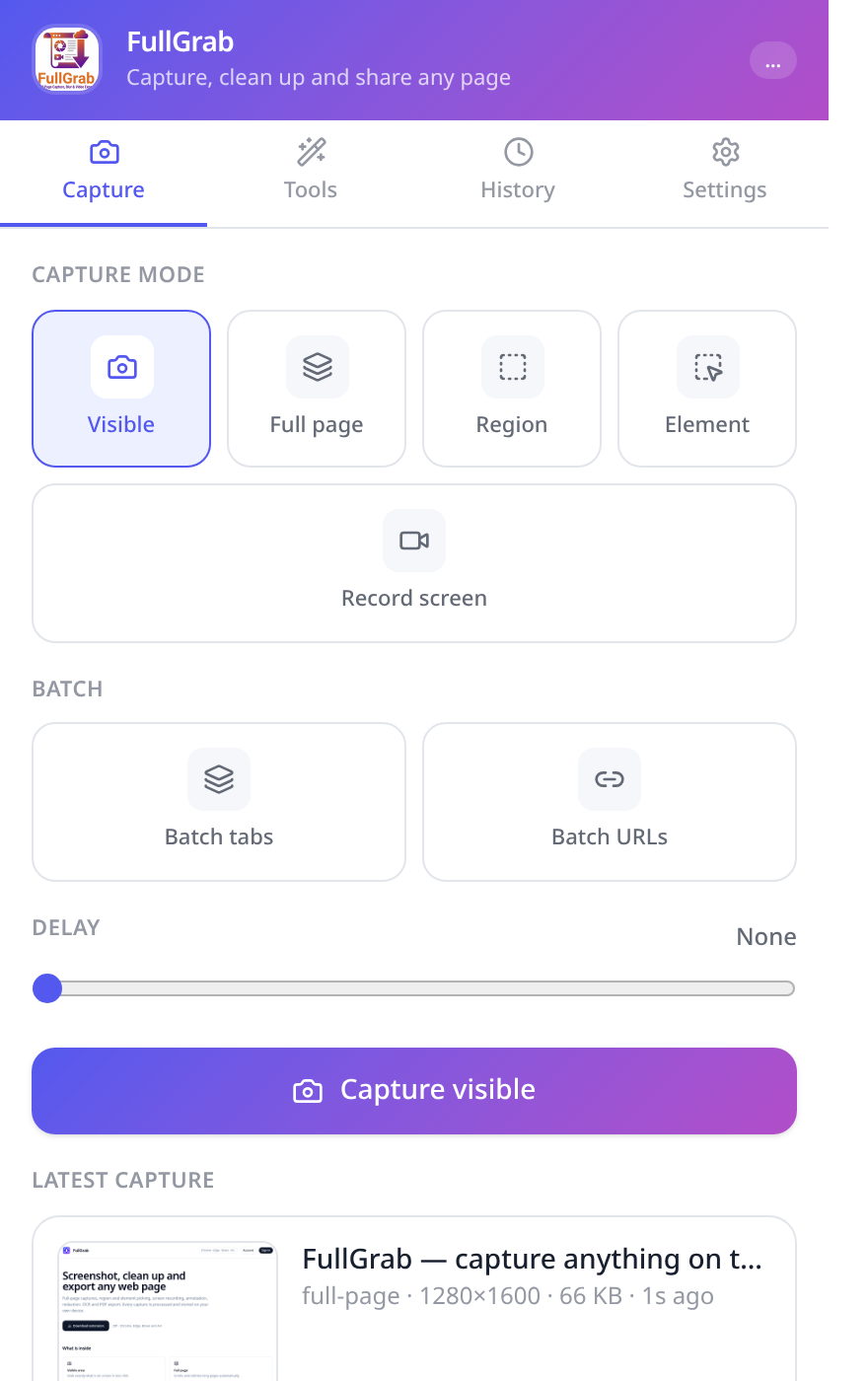
Edit & protect
Ship a screenshot that says exactly what you mean — and nothing you didn't intend.
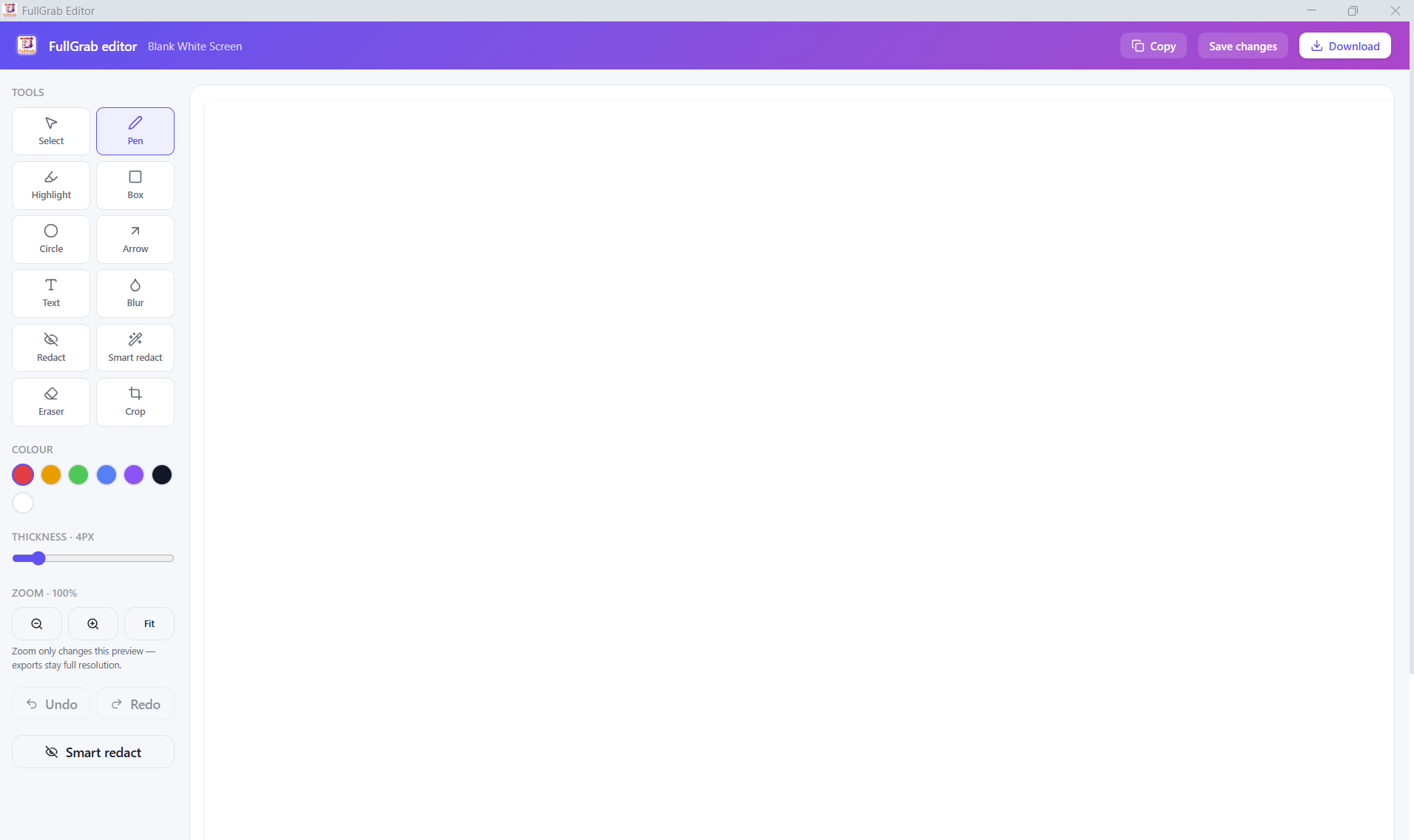
Extract
A screenshot is only the start — get the data out of the page too.
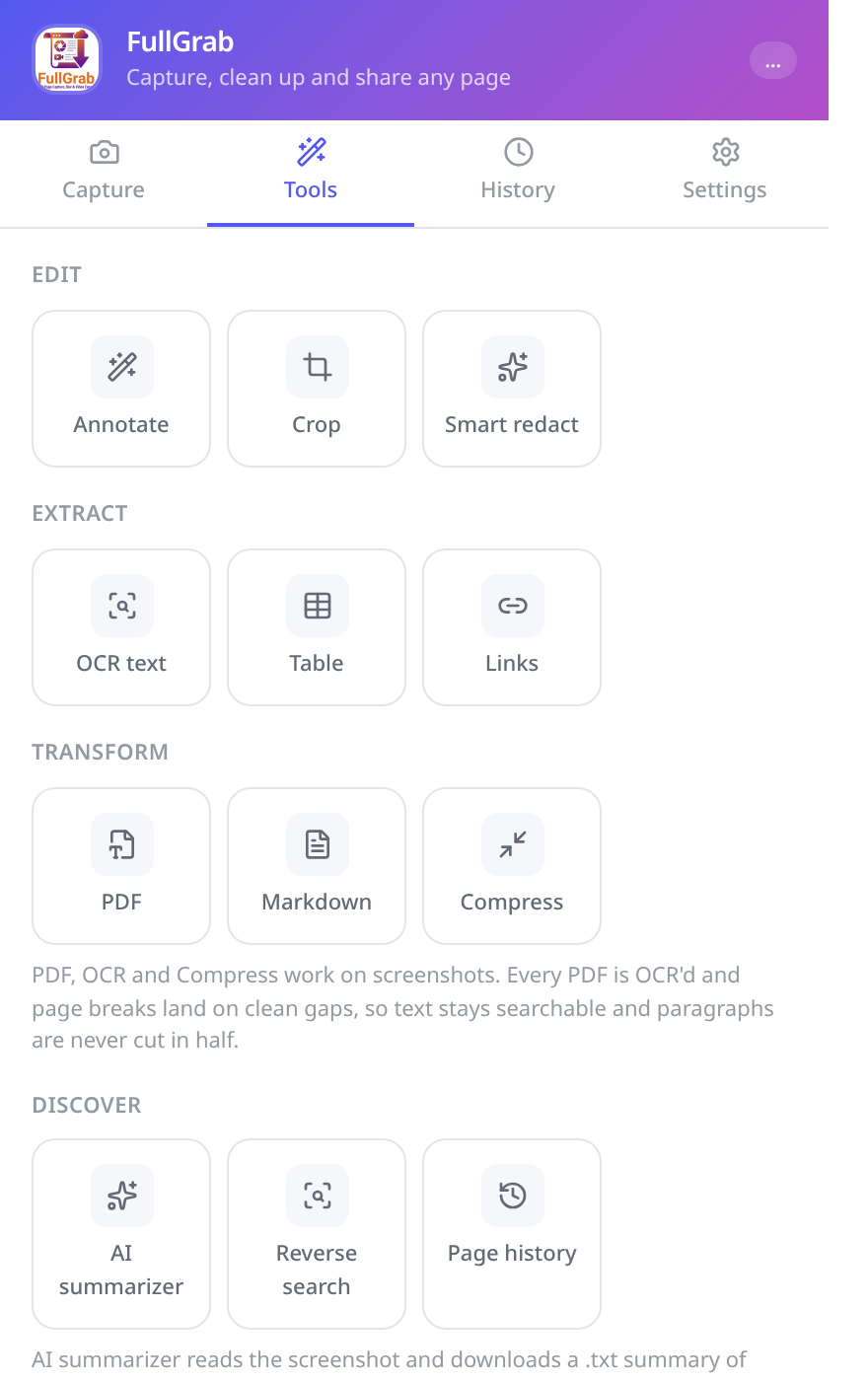
AI tools
Send a capture where the thinking happens, in one click.
History
Everything you grab stays organised and one click away.
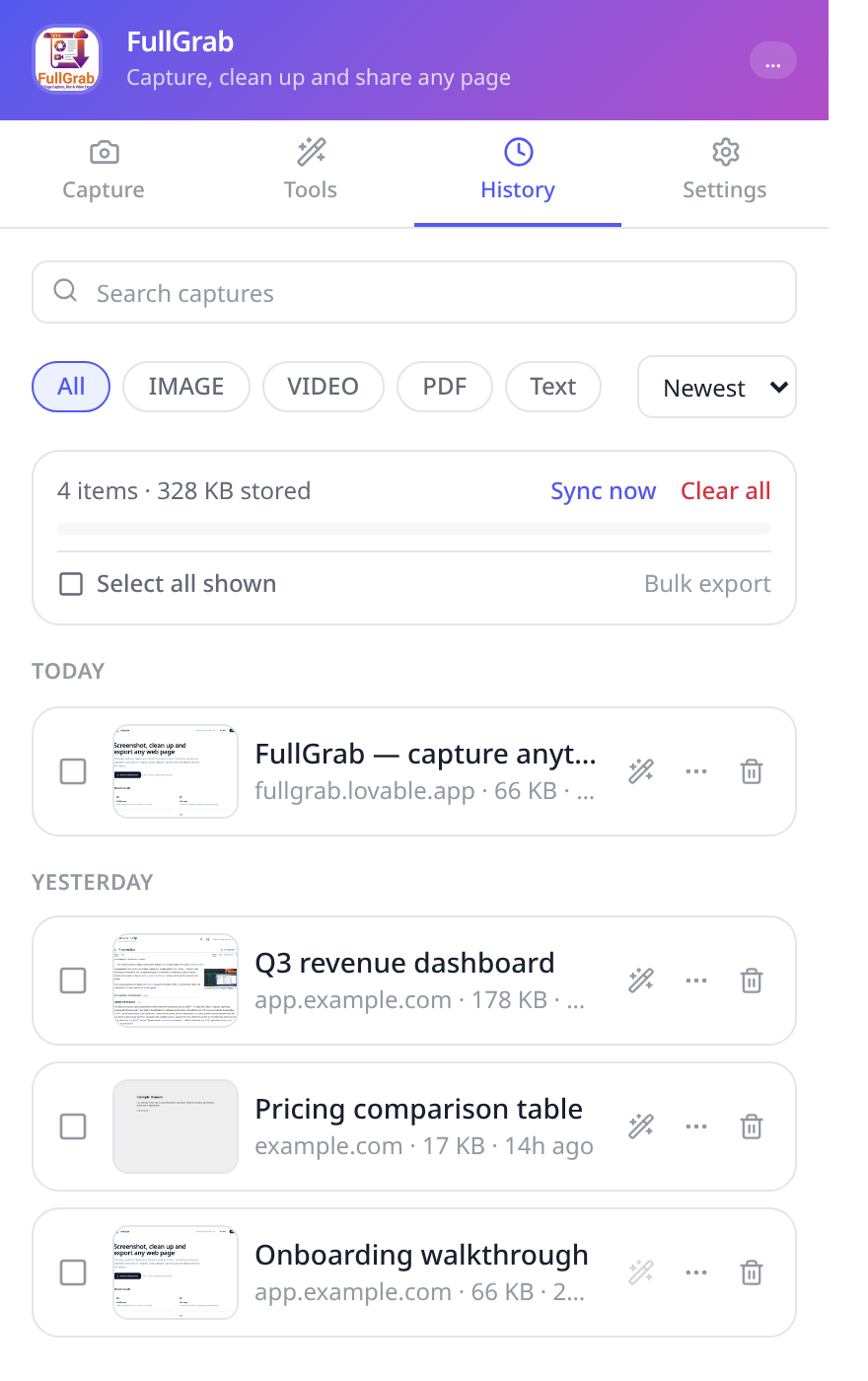
Privacy
FullGrab is built so that private screenshots stay private.
Capturing, stitching, editing, redaction, OCR and PDF export all happen locally in your browser.
Captures stay on your device by default. Enable cloud sync when you want an online backup, or create an unlisted share link that anyone with the link can view.
An account is only required for Pro and online features such as cloud sync and share links.
FullGrab asks only for what a screenshot tool needs: reading the page you capture, downloads and storage for your history.
Gallery
The same screens you'll see on the Chrome Web Store listing.
How it works
Free, no account, works in Chrome, Edge, Brave and Arc.
One click — or a keyboard shortcut — from anywhere.
Visible area, full page, region, element or a screen recording.
Crop, highlight, redact private details, remove clutter.
PNG, PDF, CSV, Markdown, text — or straight into ChatGPT.
FAQ
Free, private and fast. Install FullGrab from the Chrome Web Store and pin it to your toolbar.